I've audited hundreds of Amazon Ads accounts over the last 10+ years managing Amazon Ads.
One issue shows up almost every single time: wasted ad spend.
Sometimes it's obvious. Sometimes it's hidden in reports most advertisers rarely look at. While there are dozens of ways to improve efficiency, I've found that a significant portion of wasted spend can often be uncovered in just a few minutes by looking in the right places.
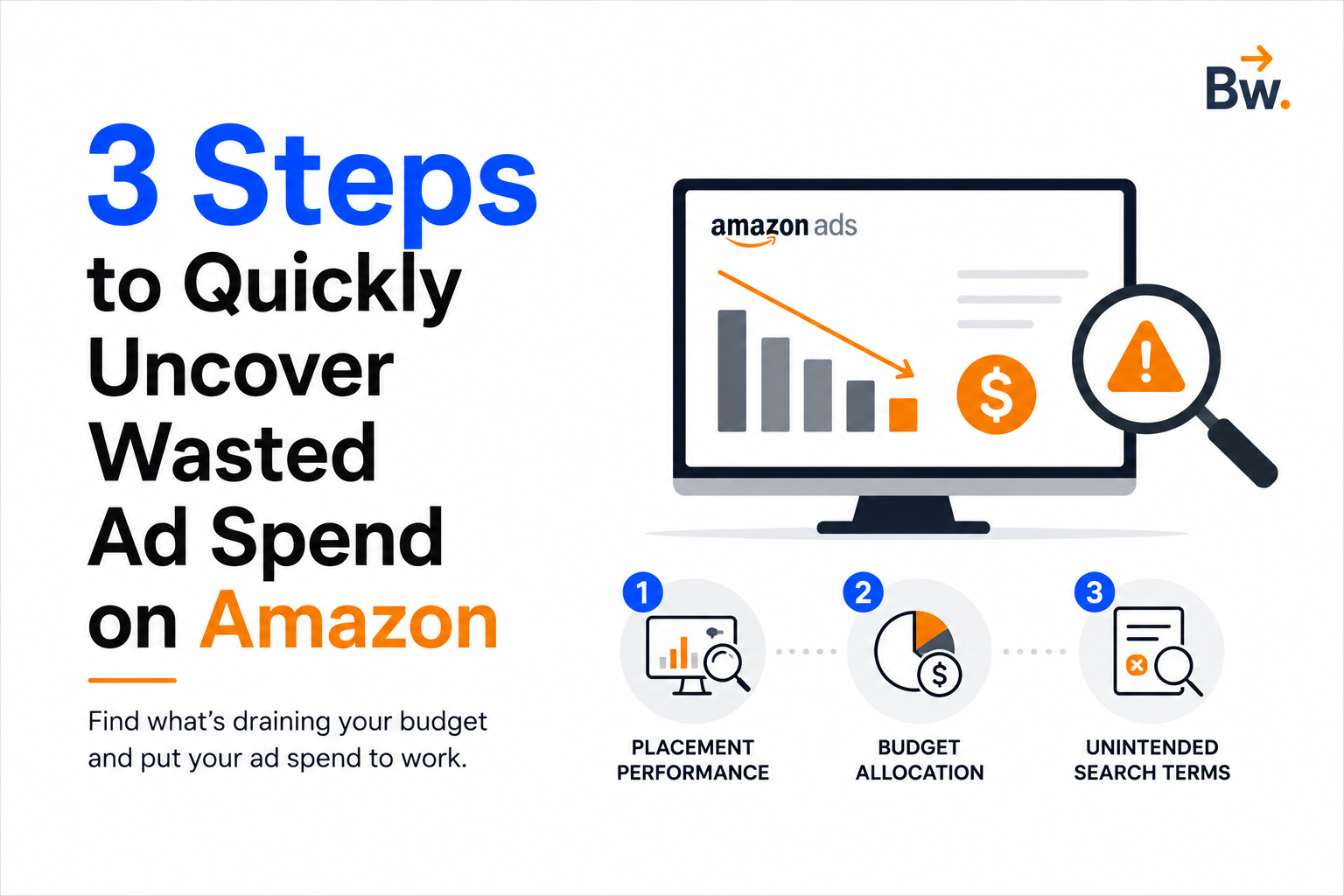
Here are three areas I check first when auditing an Amazon Ads account.
1. Placement Performance
Based on your bids and placement adjustments, Amazon can show your ads in three primary placements:
- Top of Search
- Rest of Search
- Product Pages
Performance often varies significantly between these placements.
In more than 80% of the accounts I've reviewed, Top of Search consistently delivers the strongest performance, while Product Pages frequently generate the weakest return.
In one recent audit, 27% of total ad spend was being allocated to Product Page placements that were generating a RoAS of just 1.48.
Meanwhile, Top of Search was delivering a RoAS of 3.63.
That's nearly 2.5x better performance, yet more than a quarter of the budget was flowing into the weaker placement.
The opportunity here is straightforward.
Reducing spend on underperforming placements and reallocating that budget toward higher-converting placements can often improve sales, RoAS, and ACoS without launching a single new campaign or doing additional keyword research.
Where to find it
Download the Sponsored Products or Sponsored Brands Placement Report from the Reports section within Campaign Manager.
Quick action
Navigate to Campaign Settings → Placements, then either:
- Reduce the bid modifier for Product Pages
- Lower your base bid and increase bid adjustments for stronger-performing placements
Small adjustments here can often have an immediate impact.
2. Budget Allocation Across Campaigns
Another common source of wasted spend isn't poor performance. It's poor budget allocation.
I frequently see high-performing campaigns running out of budget while lower-performing campaigns continue spending freely throughout the day.
The metric I pay close attention to is Average Time in Budget.
This tells you the percentage of the day your campaign had budget available.
For example, if a campaign shows 83% Average Time in Budget, it was effectively out of budget for roughly four hours every day.
If it's one of your strongest performers, that's not just a reporting issue—it's lost revenue.
In one audit, Campaign B was generating a RoAS of 3.94, one of the highest in the account, but was repeatedly hitting its budget cap.
Campaign A, meanwhile, was producing a RoAS of just 1.68 and had budget available all day long.
Both campaigns had similar budget allocations.
Simply moving budget from Campaign A to Campaign B would have improved overall account performance almost immediately.
Where to find it
You can access this data through:
- The Budget Report in Campaign Manager
- The Avg. Time in Budget view directly within the advertising console
Filtering by RoAS or ACoS often helps surface the biggest opportunities quickly.
Quick action
- Increase budgets on high-performing campaigns that are frequently running out of budget
- Reduce or cap budgets on lower-performing campaigns
In many cases, optimization isn't about spending more money—it's about allocating it more effectively.
3. Unintended Search Terms
This is one of the largest and most overlooked sources of wasted spend.
Auto campaigns, broad match targeting, and phrase match targeting are excellent for discovering new opportunities and expanding reach.
The downside? They can also match your ads to search terms you never intended to target.
Many of these terms generate only a few clicks each, making them easy to ignore.
But collectively, they can consume a significant portion of your advertising budget.
During audits, we regularly find between 15% and 26% of total ad spend being wasted on low-quality or irrelevant search terms.
That's budget that could be redirected toward your highest-converting keywords—keywords that may still have room to capture additional impression share and sales.
There's also another cost that advertisers often overlook.
Allowing irrelevant search terms to continue accumulating clicks can dilute Amazon's understanding of your product's relevance, potentially impacting organic ranking over time.
Regular search term reviews help eliminate this waste and keep your advertising focused on traffic that is more likely to convert.
Where to find it
Download the Search Term Report from Campaign Manager.
Look for:
- Low RoAS search terms
- Terms with multiple clicks and no sales
- Irrelevant customer searches
- Targets consuming spend without meaningful contribution
Quick action
- Add irrelevant search terms as negatives
- Reduce exposure to consistently poor performers
- Reinvest budget into proven, high-converting search terms
You can always revisit exploratory targeting later through dedicated awareness or research campaigns.
Final Thoughts
Most advertisers assume improving Amazon Ads requires complicated strategies, advanced tools, or major account restructures.
In reality, some of the biggest gains come from fixing obvious inefficiencies hiding in plain sight.
Start by reviewing:
- Placement performance
- Campaign budget allocation
- Search term quality
These three areas alone often uncover a meaningful amount of wasted ad spend.
And the best part? The savings can usually be reinvested into campaigns, placements, and keywords that are already proving they can generate stronger returns.
Sometimes the fastest way to improve performance isn't finding new opportunities.
It's stopping money from leaking out of the existing ones.